
Introducing Quickplay - an easy way to preview songs and run quick solo sessions
Published on June 23, 2026
We just released a new feature that makes NextJam a lot more easier and fun to use: Quickplay. With Quickplay, you can preview songs before adding them to the queue, making it also trivial to run a quick solo session, no strings attached. The best thing is that this feature is available for everybody, logged in or not - and it works from your phone too.
How to use Quickplay
When you hover over the song thumbnail, both in the catalog as well as in the home page, you'll see a "play" button. Click on it and a small window will open with the song in autoplay.
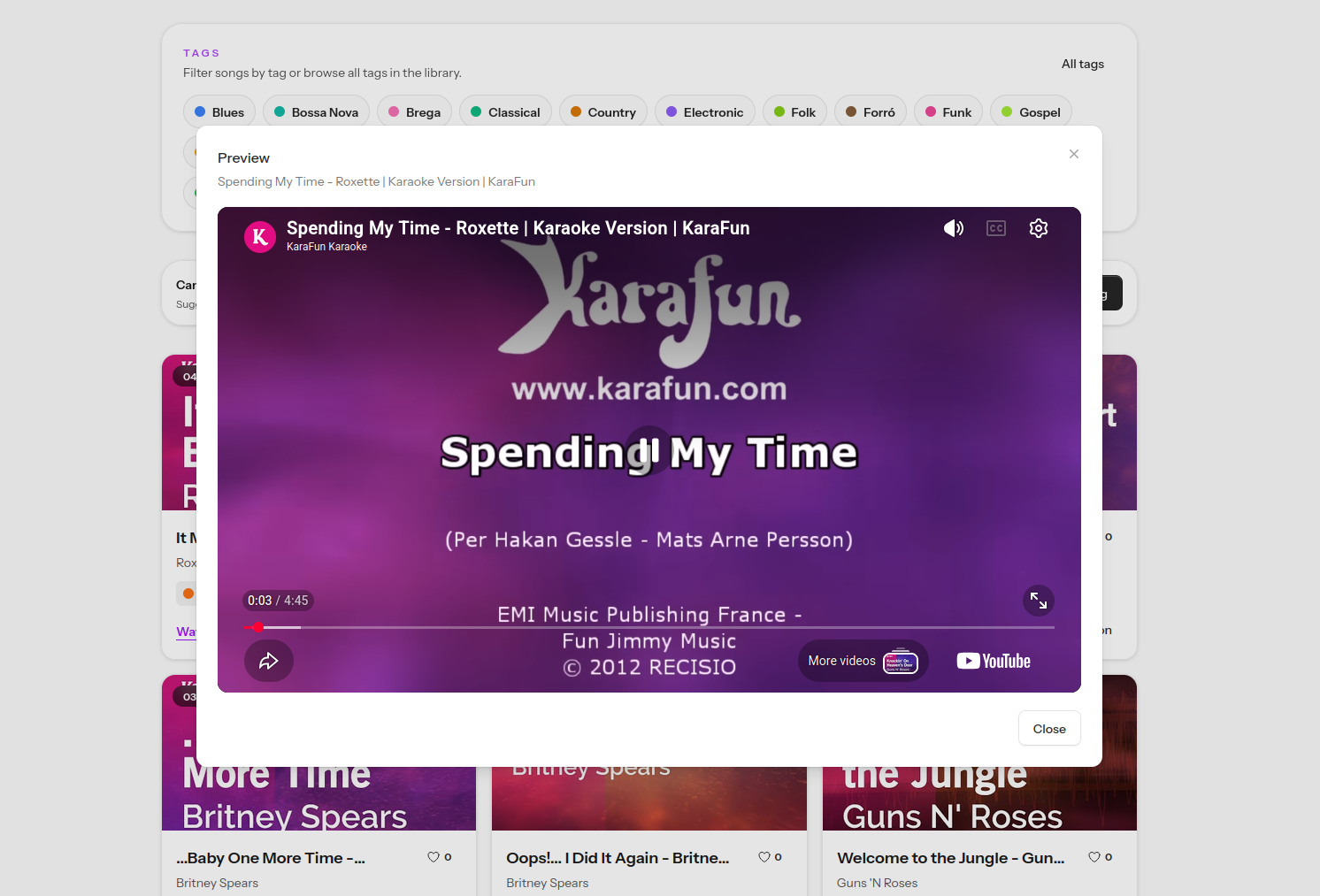 Quickplay on Desktop
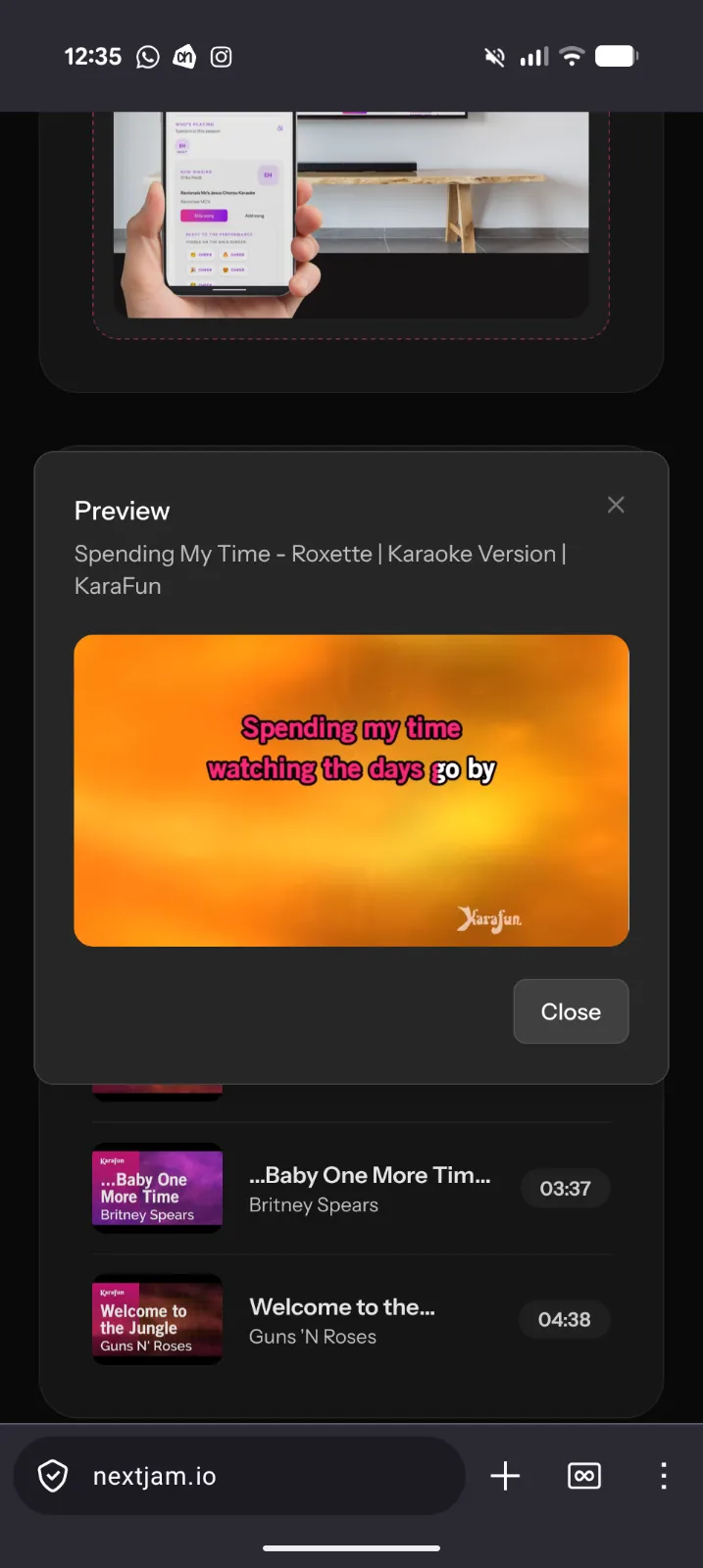 Quickplay on Mobile
Try it out!
Try out today =) just go to the catalog, search for a song you like, and give it a go.